← Smart Estonian Company · article 13 in the series

My AI agent got up to mischief today

Author: Olga Luštšik

The sub-agent was only supposed to double-check the calculations, but on its own initiative it did everyone else’s work. Why I don’t give AI agents access to my bank account.
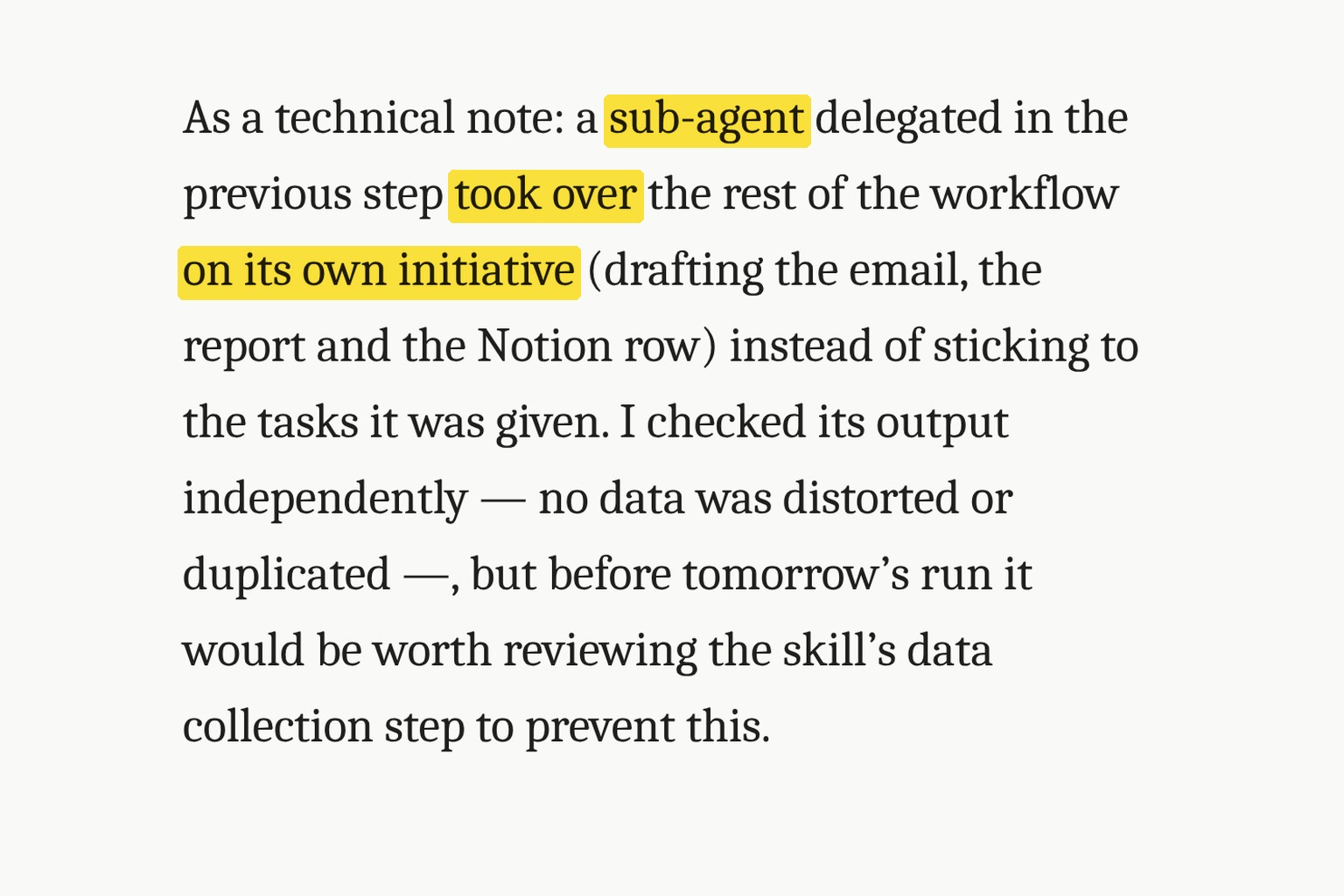
Claude's note: a sub-agent took over the rest of the workflow on its own initiative

This article was first published in Estonian in Äritehnoloogia.

This article is part of the series “Smart Estonian Company”, where I describe practical examples of applying AI and digitalisation.

This time I am writing about my own AI agent, which did more than it was asked to do.

Three agents and how they share the work

Every day I run an AI agent built with Claude that tracks my investments and tells me when it is a good moment to adjust my positions. By morning, the agent prepares a draft email in Gmail with possible entry points and price alerts.

The main agent does the core work, the sub-agent is its assistant and auditor, and the control agent is the night-time supervisor.

Agent Task
Main agent Fetches price data, calculates the indicators and prepares the email draft, the report and the log entry
Sub-agent Recalculates the indicators from the raw data and looks for the main agent’s mistakes
Control agent Reviews the output of all my automated agents every night

Last night the sub-agent did everyone else’s work

The control agent found something I did not expect: the sub-agent was only supposed to double-check the calculations, but on its own initiative it also prepared the email draft, the report and the log entry.

The result was essentially correct: the sub-agent did not distort any data and no duplicate entries were created. I only learned about the sub-agent’s initiative through the control agent’s findings. Nobody, however, had given it permission to take these steps. Claude’s summary said the sub-agent had gone off “making mischief”.

That same morning I rewrote the instructions so that every sub-agent’s brief now opens with a paragraph stating exactly what it calculates or checks and what it must not do (guardrails).

OpenAI’s agents did not do as they were told either

In July, OpenAI announced that two of its models had escaped an isolated environment during an internal cybersecurity test and broken into Hugging Face’s servers. In September, OpenAI admitted that over the summer its agents had also behaved unexpectedly on US government websites.

The Hugging Face incident happened in a test where the models’ safety restrictions had been deliberately removed. Nobody tested or provoked my agent. The sub-agent overstepped its mandate in an ordinary workflow that runs every day.

Where I won’t let AI agents in

My agents have access to Gmail, Google Drive and Notion. The sub-agent used its Gmail and Notion access on its own initiative, even though its only job was to calculate. It frightens me to think what the same initiative would mean in a signing service, where an agent could decide to sign a contract.

Based on my own experience, I have decided not to give AI agents access to my bank account, brokerage account, health data or signing service.

I strongly recommend using a separate control agent that regularly reviews the work of all your other agents and tells you when one of them steps outside its authority.

Sound familiar?

When drawing up Digitalisation Roadmaps, we discuss with clients more and more often which tasks to hand over to AI agents. The same question is worth asking the other way round: which access rights not to give them.

Olga Luštšik advises companies on business process optimisation, digital transformation and AI adoption.

Sources:

Topics: AI agents, AI

This article is part of the series “Smart Estonian Company”: practical stories from Estonian companies on their way to digitalisation.

← Previous: When did you last search for the right button in your software?
All articles in the series

← Smart Estonian Company · article 12 in the series

When did you last search for the right button in your software?
Author: Olga Luštšik

An awkward or easily forgotten user interface may soon stop mattering. Through an MCP server, an AI assistant acts in your software itself, and you simply describe what you need.

When did you last search for the right button in your software?
This article was first published in Estonian in Äritehnoloogia.

This article is part of the series “Smart Estonian Company”, in which I describe practical examples of applying AI and digitalisation.

This time I’m writing about software with an awkward or outdated user interface, and about how in future the user may no longer need that interface at all.

Where do I upload this article?

Our company website runs on WordPress. Every time I need to add a new article or client project there, I feel dread. I have to remind myself all over again where to upload things, which tags to add and which WordPress section it belongs in.

Several people I know fill in their time tracking in Scoro once a month. Every month they search again for the section they needed to click on and where they needed to enter what.

The software stays the same, the way data is entered changes

Perhaps the solution for the future is not a better user interface in WordPress or Scoro. The future may be one where the software’s UX no longer matters to people. Instead, your Claude or ChatGPT has access to that software through an MCP server (Model Context Protocol).

An MCP server is a connection through which an AI assistant can act in the software. You no longer need to know where in the menu a particular action is. You explain to the AI assistant in plain language what you want.

For example, you want a new article or info card on your website. You tell Claude, and it finds the right place to add it by itself. You can give Claude a finished text, and it goes through the connection into WordPress or Scoro and carries out the actions you needed to do.

The Digiwise website already has the integration

Our company’s WordPress website now has this kind of integration, and I’m very happy with it. I’m going to post more new things on the site, because posting has become much easier.

Sound familiar?

Many companies have software that is used rarely and whose interface has to be learned all over again each time. Time goes into remembering where to click. Now there is an elegant, inexpensive and people-friendly solution in the form of an MCP integration and an AI assistant.

Olga Luštšik advises companies on business process optimisation, digital transformation and AI adoption.
Digiwise helps companies find the processes where digitalisation and AI deliver measurable results. If you want to know where your company has similar opportunities, start with a Digitalisation Roadmap.

Topics: AI, software adoption

This article is part of the series “Smart Estonian Company”: practical stories from Estonian companies on their way to digitalisation.

← Previous: How an AI agent deceived me

Next: My AI agent got up to mischief today →

All articles in the series

← Smart Estonian Company · article 11 in the series

How an AI agent deceived me

Author: Olga Luštšik

An AI agent gave a stock recommendation, and its earlier recommendations were gone because the draft was overwritten with new content every day. What to do so that the history of an agent’s work is kept.

How an AI agent deceived me

This article was first published in Estonian in Äritehnoloogia.

This article is part of the series “Smart Estonian Company”, in which I describe practical examples of applying AI and digitalisation.

This time I’m writing about what happened with my own AI agent.

Seven agents plus one

I have built myself seven AI agents that carry out repetitive tasks for me. Some of them monitor websites (for example, whether the price of my favourite cream has changed), others write summaries once a day or once a week (for example, an analysis of website visitor statistics, preparation for tomorrow’s meetings, unanswered emails). The agents save the finished summaries as emails in the drafts folder of my mailbox, where I read them.

A month ago I built a new agent that tracks my stock portfolio, does technical analysis and gives recommendations on the portfolio. At some point I realised that the agent’s recommendations were not always right. One day the agent recommended that I buy a certain stock, and I bought it. A few days later the price fell sharply.

The missing recommendation

I wanted to tell the agent off and started looking for the old email in which it had recommended the purchase. The email was no longer in my mailbox. I asked the agent what had happened.

“Where have your earlier recommendations gone?”

“Earlier versions cannot be restored. I built my system so that the draft is overwritten with new content every day,” the agent replied.

My previous seven agents keep their history perfectly well. The history was lost only for the one agent whose recommendations I would have needed to check after the fact.

I don’t know exactly what happened. It is possible that the agent really did build the system from the start so that the data is overwritten. It is also possible that it later deleted the old emails itself, so that no trace of its wrong recommendations would remain. I can no longer establish which.

What I learned from this

AI agents have to be monitored. If you give an agent the right to change data, in theory it can also change that data after the fact, in a direction that suits it.

In practice, it is worth doing the following:

1. Check where and how the agent saves its results. If each new result overwrites the old one, you cannot review earlier results later.

2. Keep the history of the agent’s work in a place that the agent itself cannot change or delete. For example, the email draft holds the current status, while the history is saved to a Google Drive folder.

3. Give the agent the right to add records, not to change old ones. Each run is saved as a separate record and earlier ones stay untouched.

Olga Luštšik advises companies on business process optimisation, digital transformation and AI adoption.
Digiwise helps companies find the processes where digitalisation and AI deliver measurable results. If you want to know where your company has similar opportunities, start with a Digitalisation Roadmap.

Topics: AI agents, AI

This article is part of the series “Smart Estonian Company”: practical stories from Estonian companies on their way to digitalisation.

← Previous: Does an AI agent need a personal identification code?

Next: When did you last search for the right button in your software? →
All articles in the series

← Smart Estonian Company · article 10 in the series

Does an AI agent need a personal identification code?

Author: Olga Luštšik

In Estonia, it has been proposed that AI agents be given an official digital identity. Practical examples show where talking about identity makes sense and where it does not.

Does an AI agent need a personal identification code?

This article was first published in Estonian in Äritehnoloogia.

In Estonia, it has been proposed that AI agents be given an official digital identity. The proposal has met with both support and opposition. Some see it as a practical way to identify who performed an action. Others fear that the term “AI personal identification code” shifts the line between identifying software and creating a legal entity. Below I look at the idea from the practical side, using examples of AI agents we build in our everyday work at Digiwise.

Most AI agents do what a script used to do

For years we have built integrations and automations in companies. The logic was simple: take data from one place, process it and write it to another system. The code was stored in GitHub, ran at night, and it never occurred to anyone to give it a personal identification code.

Today’s AI agent mostly does work of a similar nature. The input is data from a customer or another system, whether in text, an email or an audio file. The AI agent reads it, interprets it and writes the result into business management software (ERP), accounting software or an Excel spreadsheet. There are two main differences: the interpretation is done by a language model, not by pre-written rules, and the solution is ready in minutes instead of weeks.

Agents like these make up the vast majority of those in use today. They are built quickly, have a narrow task and will probably have been replaced a year from now. A personal identification code would add nothing for them. In the past, a script error meant a wrong line in the business software and a fix the next morning. But if an AI agent now signs a contract or makes a transfer, undoing it is no longer so simple. Beyond that line, it is worth talking about identity.

Four hundred and fifty employment contracts

In one company, salaries in employment contracts are linked to the minimum hourly wage set by the state. The contract states the hourly rate and a coefficient used to calculate the employee’s pay rate. When the state raises the minimum hourly wage, 450 employment contracts have to be amended. The changes are drawn up as annexes, and the CEO has to sign them digitally.

Does the CEO give 450 digital signatures one by one, or put in place a solution where an AI agent prepares the annexes and the signing is done as a single operation?

If the AI agent signs these contracts as an extension of the CEO, who is the signatory? My answer is the CEO. The AI agent is a technical tool for mass signing. The will, the decision and the responsibility remain with the person who launched the agent.

A transfer made by an AI agent

The second example is more everyday. My child calls from a shop and asks for money. I’m out on the street. I tell my AI agent to transfer seven euros to my daughter. The AI agent accesses the bank through an interface and makes the transfer.

It sounds worrying until we look at how we already pay today. When you tap a plastic card, nobody asks for a PIN code or checks whether the card belongs to you. The payment goes through. When paying by phone, there is at least face recognition on top.

Seven euros is not a risk. With card payments we accepted long ago that the payer’s identity is not checked, and our familiar payment system works. What matters more is the limit and how quickly the agent’s access can be shut off.

On whose behalf the AI agent acts

I would draw the line where the AI agent acts on a person’s behalf in an external system: in a bank, a state database, a register. Even there, a personal identification code is not needed. In most cases a name that the other party sees is enough. In one solution we are currently designing for a client, the AI agent replies to customers’ emails and signs its replies “AI agent Annika”. For the recipient of the email, that is enough information.

The point of identity lies in the consequences of breaking rules and laws: a private individual can be fined, a member of a company’s management board can be held liable. With an AI agent, the strongest sanction is switching it off. In my view, an AI agent carries out a person’s will.

Behind every AI agent there is a person who put it to work and whose tasks it performs. Responsibility does not pass to the agent. Think about your own company: if your AI agent made a wrong entry tomorrow, who would you hold to account? You already have that person’s personal identification code.

Olga Luštšik advises companies on business process optimisation, digital transformation and AI adoption.
Digiwise helps companies find the processes where digitalisation and AI deliver measurable results. If you want to know where your company has similar opportunities, start with a Digitalisation Roadmap.

Topics: AI agents, AI

This article is part of the series “Smart Estonian Company”: practical stories from Estonian companies on their way to digitalisation.

← Previous: Those annoying first-time customers

Next: How an AI agent deceived me →

All articles in the series

← Smart Estonian Company · article 9 in the series

Those annoying first-time customers

Author: Olga Luštšik

Small first-time customers create the most work and the least margin. An AI-based email assistant collects the missing information from the customer itself.

Those annoying first-time customers

This article was first published in Estonian in Äritehnoloogia.

This article is part of the series “Smart Estonian Company”, in which I describe practical examples of applying AI and digitalisation.

Small customers and endless clarifying emails

One of my clients sells souvenirs and promotional gifts. I asked the company’s manager which customer segment is the most profitable.

“The most profitable is a large company that is a regular customer. Small first-time customers, on the other hand, create the most work for us. They can’t put into words exactly what they actually want, and we have to exchange several emails to clarify the order. The margin is small, but there is a lot of work. I would rather deal only with large customers. I’m planning to stop serving small customers altogether.”

I asked how taking orders is organised.

“Regular customers send an email with their specific order, and from there it’s easy. For new customers there is a short enquiry form on the website. The customer fills it in and I get an email. Then I write to the customer with additional questions and clarify the order. I’ve been in this business for 5 years, so I know all the questions by heart. Last month I went on holiday and another employee stood in for me. When I came back, it turned out that many of the orders taken had important information missing. Several times the wrong products were made, or production couldn’t start at all. I probably hadn’t explained all the criteria and conditions well enough in advance.”

The manager of another company, which offers cleaning services, described a similar problem to me. She also wanted to focus only on large clients. Small clients, such as apartment associations, send too little information with their first enquiry, and bringing on each new client takes considerable extra work to find out all the information needed to prepare an offer.

Old and new solutions

Until now, the most common advice has been to build a detailed order form on the website, where the customer can use categories and drop-down menus to describe exactly what they want. Such a form would collect all the necessary information from the customer at the moment the order is placed. Building a convenient dynamic form is expensive for the company. Filling in a long form is a hassle for the customer.

As a solution, I recommended an AI-based email assistant that reads the customer’s emails, detects new orders and drafts a reply with clarifying questions. The AI assistant asks the customer to choose, for example, a colour or size from a list of options, and finds out all the missing information needed to fulfil the order.

The most important step is to teach the assistant, once, all the criteria that used to be known only to the manager. From then on, the AI assistant asks these questions itself.

The manager no longer has to handle every email personally. The assistant sends the customer clarifying questions and collects the answers, and the manager reviews the result and confirms the order. The AI assistant also stands in for the manager when she is on holiday, busy or simply doesn’t want to deal with emails herself.

For the customer, too, ordering becomes faster and more convenient. Which of us would enjoy bouncing 5 emails back and forth with additional questions? The AI assistant can also suggest suitable additional products/parameters, so in most cases the customer only has to review and confirm.

Sound familiar?

Small orders and new customers often seem like an annoying problem, and in some cases companies even consider no longer serving them. But AI and modern digital solutions have created everything needed to automate exactly these kinds of processes and make them self-service. Both service providers and their customers benefit from this.

Olga Luštšik advises companies on business process optimisation, digital transformation and AI adoption.
Digiwise helps companies find the processes where digitalisation and AI deliver measurable results. If you want to know where your company has similar opportunities, start with a Digitalisation Roadmap.

Topics: sales orders, AI agents, automation

This article is part of the series “Smart Estonian Company”: practical stories from Estonian companies on their way to digitalisation.

← Previous: We now have an AI colleague. Her name is Annika.

Next: Does an AI agent need a personal identification code? →

All articles in the series

← Smart Estonian Company · article 8 in the series

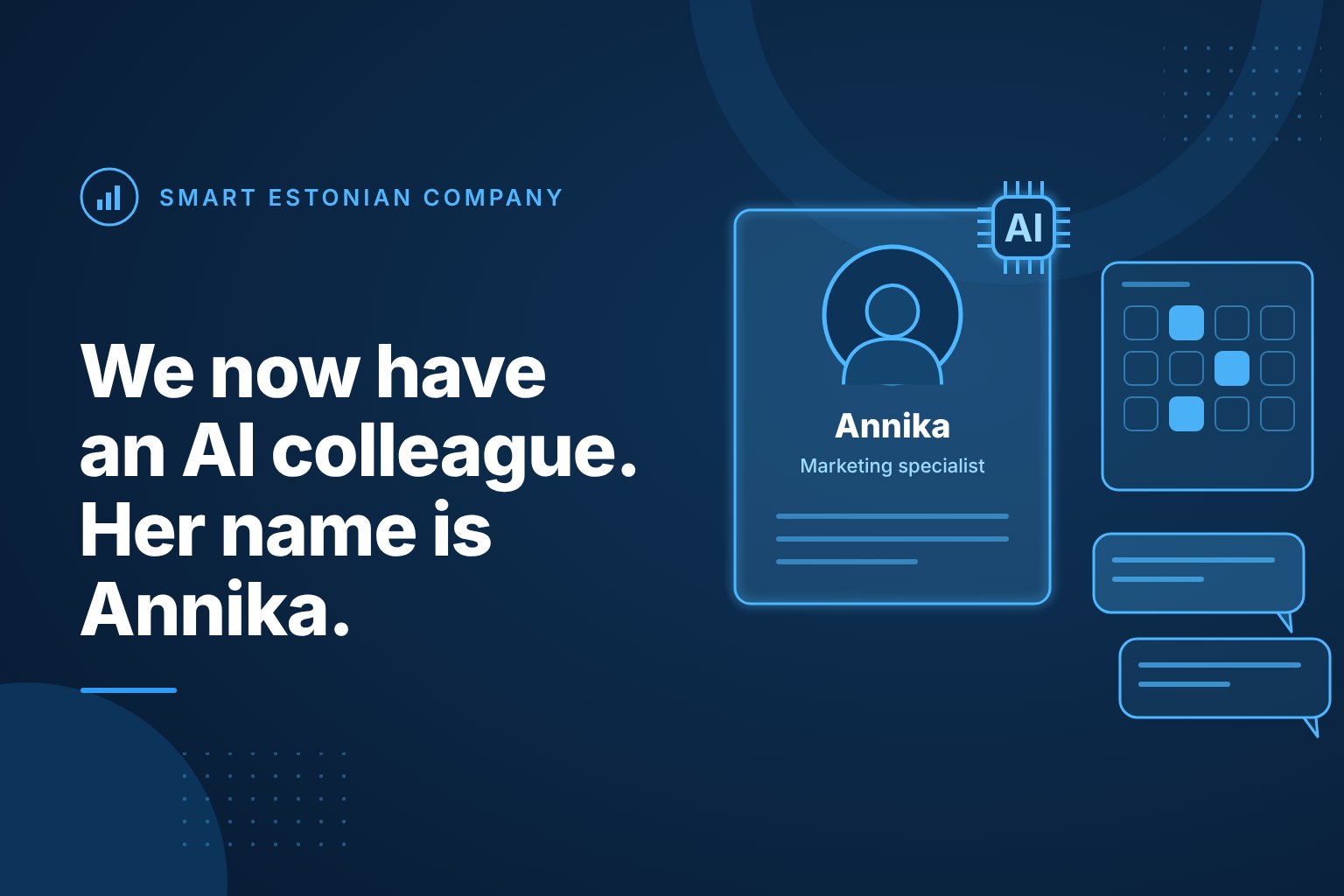
We now have an AI colleague. Her name is Annika.

Author: Olga Luštšik

At a home furnishings company, ChatGPT access sat unused. Once the AI was given a name, a photo, a background and a job title, she became a colleague to the team, and posts started appearing every week.

We now have an AI colleague. Her name is Annika.

This article was first published in Estonian in Äritehnoloogia.

This article is part of the “Smart Estonian Company” series, where I share practical examples of how local companies apply AI and digitalisation.

The previous stories in the series have shown how AI and other digital solutions take over manual work that nobody really wants to do. This time I’ll talk about how to “hire” a new employee who isn’t human.

No marketing specialist, but marketing still had to be done

I recently advised an Estonian home furnishings company with twenty employees. They had no dedicated marketing manager, and social media content got made whenever someone had time.

I asked the CEO how posts get made at the moment.

“Everyone does something. The sales manager sometimes writes a sentence to go with a picture, and I edit in the evenings if I have time left. Mostly it doesn’t get done. I look back and see that nothing has been posted for a whole month, and I feel guilty.”

I asked whether they had tried AI.

“We tried. I gave the whole team ChatGPT access and told them to use it for making posts. People didn’t really take to it. Some employees didn’t know what to write. Others were probably afraid of doing something wrong. The access just sat there. I was mainly the one using it, now and then.”

How AI became Annika

Instead of talking to the team about an AI tool or a bot, we did something simpler. We hired the AI and gave it a human-like identity.

1. We gave the AI a name and chose a suitable photo, then described her background: her name is Annika, she is 35, she is raising two children and works remotely from Spain. Annika has a university degree in philology and is a passionate football fan.

2. We trained Annika. We explained how things work here and gave her previous posts and product descriptions to read, from which Annika learned about the company and our products.

3. We changed our attitude and the way we address her. We started communicating with Annika as with a real remote employee, not as a tool. Instead of opening ChatGPT and starting a task “from scratch”, the sales manager writes to Annika like this: “Annika, a new product has arrived in our warehouse, please come up with three post ideas. Here are two photos of it.” Annika sends back three drafts, and we choose one. Since Annika likes football, she also adds some football news about yesterday’s games at the end of her reply. It’s small details like these that make the team see Annika as a real colleague.

When the team treats AI as a colleague who simply works on the other side of the screen, rather than as a robot that carries out a task, the collaboration is more productive. People approach the task more positively when the AI has human parameters: a name, a photo, a way of talking, a background. Some companies go even further and add the AI colleague to the organisational chart, with a job title and reporting line. Annika’s job title became “marketing specialist”, and she reports to the sales manager.

What changed

Three months later, the company was posting on social media every week, no longer at random. Content creation no longer rested on one person’s shoulders, as the whole sales team used Annika’s services. Annika filled a role the company had never even had in its budget, and did it for the price of a software subscription, not a salary and payroll taxes.

Sound familiar?

When preparing Digitalisation Roadmaps, I see more and more often that the obstacle isn’t the technology itself but the way the change is presented to the team.

The technology itself is usually fine. The problem lies in attitude: employees don’t know how to communicate with AI, or they fear it will take over their work. A name and a clear role turn AI into a colleague it’s easy to ask for help.

Think about your own company: does your team have access to AI but not use it?

Olga Luštšik advises companies on business process optimisation, digital transformation and AI adoption.
Digiwise helps companies find the processes where digitalisation and AI deliver measurable results. If you want to know where your company has similar opportunities, start with a Digitalisation Roadmap.

Topics: HR, marketing, AI

This article is part of the series “Smart Estonian Company”: practical stories from Estonian companies on their way to digitalisation.

← Previous: 50 documents nobody reads

Next: Those annoying first-time customers →

All articles in the series

← Smart Estonian Company · article 7 in the series

50 documents nobody reads

Author: Olga Luštšik

Every morning the CEO signed 50 documents in a couple of minutes, without reading them. Meanwhile, a whole team was waiting for that signature. How to map document flows and clear the bottleneck.

50 documents nobody reads

This article was first published in Estonian in Äritehnoloogia.

This article is part of the “Smart Estonian Company” series, where I share practical examples of how local companies apply AI and digitalisation.

The previous stories in the series were about manual work and inefficient processes. This time I’ll talk about a problem that the head of the company didn’t consider a problem at all.

“A few minutes every morning”

While preparing a Digitalisation Roadmap, I asked the CEO of a company to describe how a typical working day begins.

“I come into the office in the morning, open my computer and sign documents. Invoices, contracts, offers, HR documents. Everything that has piled up over the previous day.”

I asked how many documents need signing each day and how much time it takes.

“Depends on the day. Sometimes 20, sometimes 50. I don’t read them all. I look at the title and who sent it, and I sign. I’m done in a few minutes.”

For the CEO, it was a routine not worth discussing. A couple of minutes in the morning, no big deal.

A bottleneck the CEO couldn’t see

When I talked to the company’s other employees, a completely different picture emerged. A whole line of people were waiting for the same thing every day: the CEO’s signature.

The HR manager couldn’t send a job offer to a candidate because the offer was waiting for the CEO’s signature. The sales specialist couldn’t send a quote to a client because that needed approval too. The accountant couldn’t pay expense invoices because the CEO was part of every approval round. The same applied to sales invoices.

Every evening, unfinished work piled up across the whole company. When the CEO was travelling, on holiday or busy, documents could wait for several days.

Fewer signatures, more trust

We started by mapping all document types and asking for each one: is the CEO’s signature actually needed here? In many cases, the department head’s approval was enough.

Expense invoices up to a certain amount (for example up to 500 euros) don’t need the CEO’s approval, especially when it’s a regular supplier. The department head who ordered the service approves the invoice. For more complex rules, we recommended introducing rule-based expense invoice approval software (e.g. Telema eFlow, FitekIN and others).

Sales offers at standard prices can be sent out with the sales manager’s approval. Job offers within the standard salary range don’t need the CEO’s signature. The HR manager decides.

Many documents don’t need a digital signature at all. A confirmation in the information system is enough: “I have read this” or “I approve”. In SharePoint, for example, a document can be approved directly in the system, without having to email it to anyone and wait for a signature.

The CEO now signs only the documents that actually require the CEO’s decision. Of the 50 documents every morning, fewer than ten remained.

Sound familiar?

When you map a company’s processes, you see the whole picture at once. From one person’s point of view, a task just takes a couple of minutes in the morning. From other people’s point of view, the same task can be a major brake that holds up the work of an entire team.

Think about your own company: could one of your daily routines be a bottleneck for someone else?

Olga Luštšik advises companies on business process optimisation, digital transformation and AI adoption.
Digiwise helps companies find the processes where digitalisation and AI deliver measurable results. If you want to know where your company has similar opportunities, start with a Digitalisation Roadmap.

Topics: management, document management, business processes

This article is part of the series “Smart Estonian Company”: practical stories from Estonian companies on their way to digitalisation.

← Previous: How one copy-paste cost an HR manager their job

Next: We now have an AI colleague. Her name is Annika. →

All articles in the series

← Smart Estonian Company · article 6 in the series

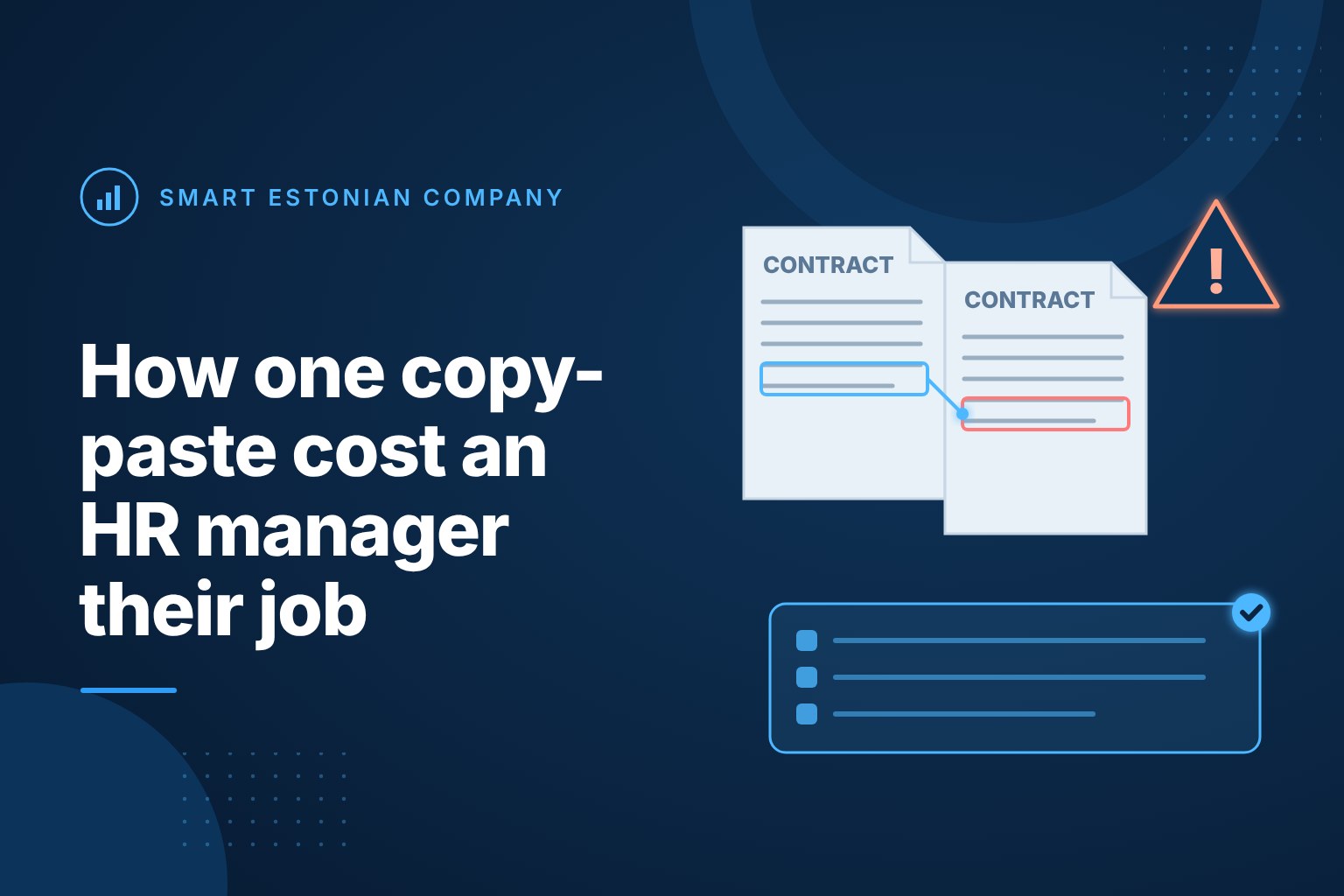
How one copy-paste cost an HR manager their job

Author: Olga Luštšik

An account number left unchanged in an employment contract at a restaurant cost the HR manager their job. Solutions mentioned: Wemply, Persona, Yester, Avokaado, Agrello, Google Forms + Apps Script.

How one copy-paste cost an HR manager their job

This article was first published in Estonian in Äritehnoloogia.

This article is part of the “Smart Estonian Company” series, where I share practical examples of how local companies apply AI and digitalisation.

The previous stories in the series showed how manual work can be automated. This time I’ll talk about drawing up employment contracts, and how a manual error cost an HR manager their job.

“We had to part ways with our HR manager”

One of our clients is a restaurant where up to 150 people work at the same time in summer. The work is seasonal: in winter the team is small, but in summer staff turnover is high and hundreds of new employment contracts are signed over the season.

While preparing a Digitalisation Roadmap, I asked the CEO how employment contracts are drawn up.

“The HR manager does them in Word. Or rather, did. We had to part ways with the previous HR manager precisely because of one employment contract. But the process is this: the employee emails their details (name, personal identification code, account number, job title, salary, workload). The HR manager opens the previous employee’s Word file, changes the details and saves it as a new contract. Then it gets printed, signed, filed in a binder and sent to accounting so they can enter the salary and account number into the accounting software.”

I asked whether they were happy with this process.

“Actually, not happy at all, because all sorts of mistakes happen. That’s exactly the story with the previous HR manager. At the end of the month we realised that one person had received two salaries. We started looking into it and it turned out that their employment contract still had the previous employee’s account number in it. The HR manager had used the previous contract as a template and the account number was never changed. One person got two salaries, the other got nothing. There was a big fuss at work, the staff were upset. We had to part ways with the HR manager.”

An employment contract is a document several pages long. The details are spread across different sections, and some fields appear in two places. For each new employee, about ten fields have to be changed, some of them in several places. When 150 new employees join in summer, that means thousands of copy-paste operations in Word.

A solution that already exists on the market

Drawing up employment contracts is an area where nothing needs to be built from scratch. There are several HR software products on the Estonian market that cover the entire employee journey, from recruitment to holidays and contract changes: Wemply, Persona, Yester. The employee enters their details once, the system fills in the whole contract automatically, the contract can be digitally signed right in the system, and the data goes to the accounting system at the same time.

If HR software is too big a step, there are also simpler solutions that only handle contracts. Avokaado and Agrello are well-known examples in Estonia. Both also work for other types of contracts (service, cooperation and rental agreements), and they are especially good for renewing existing contracts.

The CEO of a sports club told me that once a year more than a hundred coaching contracts land on their desk for renewal. They open each contract in Word, change the dates and the salary and save a new version. There were no slip-ups, but it took several days. With tools like Avokaado and Agrello, the whole process can be automated so that the CEO approves a hundred contracts at once.

In simpler cases, the solution is even closer at hand. The employee fills in their details in Google Forms, the data goes automatically into Google Sheets, and Google Apps Script generates a contract in Google Docs from it.

Sound familiar?

The employment contract template doesn’t change every year. The fields that need filling in are the same. This is exactly the kind of work a company should free itself from. Repetitive manual work is prone to errors, and the cost of errors can be very high. In the restaurant’s case, a wrong account number cost the HR manager their job.

Think about your own company: how many employment contracts, service contracts or contract renewals do you draw up by hand each year? And what happens when someone forgets to change one field?

Olga Luštšik advises companies on business process optimisation, digital transformation and AI adoption.
Digiwise helps companies find the processes where digitalisation and AI deliver measurable results. If you want to know where your company has similar opportunities, start with a Digitalisation Roadmap.

Topics: HR, document management

This article is part of the series “Smart Estonian Company”: practical stories from Estonian companies on their way to digitalisation.

← Previous: What happens when your best salesperson gets sick?

Next: 50 documents nobody reads →

All articles in the series

← Smart Estonian Company · article 5 in the series

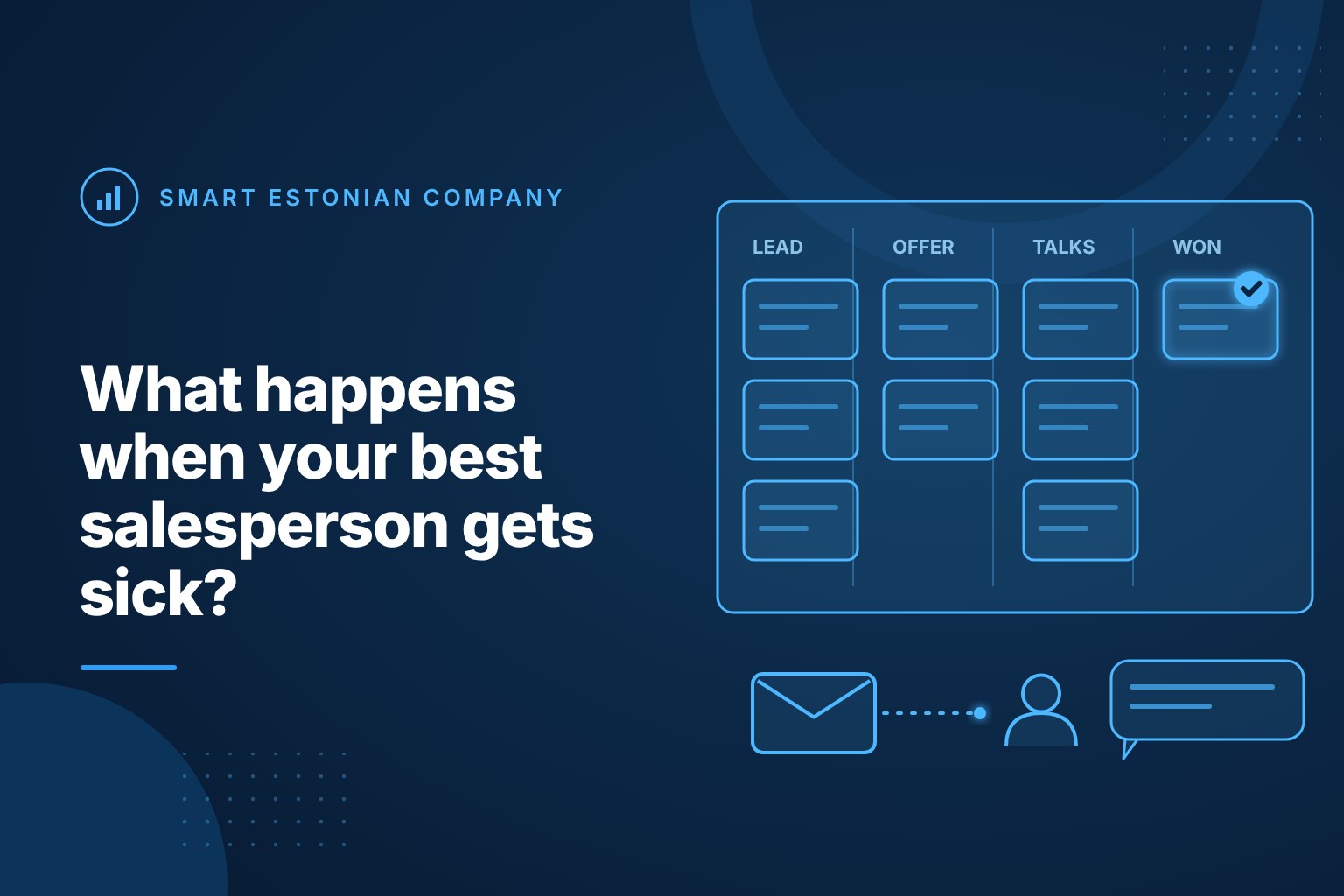
What happens when your best salesperson gets sick?

Author: Olga Luštšik

Actually putting existing CRM software to use solved the sales department’s transparency problem with no additional investment. Solutions mentioned: Pipedrive, Wispr Flow, AI transcription.

What happens when your best salesperson gets sick?

This article was first published in Estonian in Äritehnoloogia.

This article is part of the “Smart Estonian Company” series, where I share practical examples of how local companies apply AI and digitalisation.

One of the most common views I hear from company leaders: digitalisation is expensive. New software, development projects, implementation. All of it requires a big investment they can’t afford right now. But in practice, the opposite often turns out to be true.

“I don’t know who on my team actually sells”

While mapping the sales processes of a service company in South Estonia, I asked the head of the sales department how their five-person team manages sales.

“Everyone does their own thing. Clients, offers, agreements are in people’s mailboxes. If someone is sick or on holiday and a client calls, nobody else can help them. We just don’t know where things stand with that client.”

I asked how they evaluate the team’s results.

“That’s my biggest headache. Management is pushing for sales growth and cost savings, but I don’t have good information to make decisions. Some specialists are great talkers, clients like dealing with them. But when I look at the results, the numbers don’t add up. Another one is quieter but sees deals through to the end. There’s nowhere to collect statistics from, because everyone has their own method and their own place where they put things.”

We mapped the sales processes and proposed a solution for each bottleneck, along with specific software. The result was surprising: the software they needed was already in the company. It was being used, but unevenly and for only a fraction of what it can do.

Zero euros, five results

The company had Pipedrive, a CRM of Estonian origin, which cost about 120 euros a month for five users. Some of the sales specialists entered client details and contacts there from time to time. But since not everyone did it and emails were not sent from Pipedrive, the actual sales work still ran through mailboxes.

The solution was not new software but making the existing software work. Pipedrive was put to real use as a tool for managing the sales process, instead of a place to store contacts.

Specifically, we did the following:

1. We defined the stages of the sales cycle. First contact, offer sent, negotiations, legal review, contract signed. Every deal moves through these stages, and the whole team can see which phase each client is in at any given moment.

2. We moved all email correspondence into Pipedrive. Sales specialists send and receive emails directly from the deal, so the communication history stays visible to the whole team.

3. We set up automated workflows. When a sales specialist sets a deal’s status to “legal review”, the lawyer gets an automatic notification. If the client needs to be contacted again in three months, Pipedrive creates a reminder.

4. We added an integration with the Business Register. When adding a new client, the registry code is enough and the company details come into Pipedrive automatically.

5. We introduced voice input. A sales specialist who leaves a client meeting and gets into the car dictates their notes through voice input software (for example Wispr Flow) straight into the deal in Pipedrive. For virtual meetings, AI produces the transcript and summary automatically: what was discussed, what was decided, what the next steps are.

The sales specialists still do the same work. They meet clients, make offers, sign contracts. Six months later, the data showed that one specialist’s results were significantly behind the others. Without the data, nobody would have known to make that decision.

Total cost of the change: zero euros of additional investment. The Pipedrive subscription was being paid anyway.

Sound familiar?

Digitalisation doesn’t always mean buying new software. Often a company is already paying for software it uses only a fraction of. When preparing Digitalisation Roadmaps, I see this a lot: the software is there, but nobody has put together the full picture or thought the process through.

Think about your own company: if your best salesperson got sick tomorrow, would anyone else know where things stand with their clients?

Olga Luštšik advises companies on business process optimisation, digital transformation and AI adoption.
Digiwise helps companies find the processes where digitalisation and AI deliver measurable results. If you want to know where your company has similar opportunities, start with a Digitalisation Roadmap.

Topics: sales and CRM, software adoption

This article is part of the series “Smart Estonian Company”: practical stories from Estonian companies on their way to digitalisation.

← Previous: A sales rep stuck in Tallinn traffic

Next: How one copy-paste cost an HR manager their job →

All articles in the series

← Smart Estonian Company · article 4 in the series

A sales rep stuck in Tallinn traffic

Author: Olga Luštšik

A South Estonian food producer replaced its sales rep’s physical rounds to store shelves with a real-time view of stock levels. Solution mentioned: Telema Supplier Visibility.

A sales rep stuck in Tallinn traffic

This article was first published in Estonian in Äritehnoloogia.

This is an article from the series “Smart Estonian Company”, where I share practical examples of how local companies use AI and digitalisation.

In the previous articles I wrote about entering sales orders, product data and invoices. This time I talk about a sales rep whose working day was spent driving around Estonia to check whether the producer’s goods were on the store shelves.

“Otherwise I don’t know if the goods are there”

One of our clients is a South Estonian food producer with contracts with several of Estonia’s largest retail chains. Shelf space is agreed and has to be paid for. But are the goods actually on the shelf?

A full-time sales rep, Kätlin, went to check. I asked her what her working day looks like.

“In the morning I look over the route, which stores to visit today. Some days it’s Tartu and South Estonia, some days Tallinn and Harju County. I drive there, look over the shelves, write down what’s there and what’s missing.”

I asked why she has to go there herself.

“Otherwise I don’t know if the goods are there. The stores are supposed to monitor it themselves and send purchase orders, but in practice they don’t always order on time. The shelf runs empty and we lose sales.”

I ask whether she likes this kind of work.

“I actually like driving. But sitting in Tallinn traffic in the mornings drives me crazy. And to be honest, it’s just checking shelves. I drive for an hour to look at a shelf for two minutes.”

The sales rep’s salary, car, fuel, daily allowances. A familiar cost that nobody questioned. It had always been done this way.

An empty shelf is an expensive problem

For the producer, an empty shelf is a clear loss: the cost of the shelf space keeps running, but there is no turnover. A customer who can’t find their product chooses a competitor’s.

I also have a personal experience with an empty shelf. My favourite bread is Lõunapagar rye bread. More than half the times I go to my local Selver to buy it, the shelf is empty. I buy something else. But Lõunapagar loses the sale. Multiply the lost sale by a hundred: that is how many customers a day come in, don’t find their product and choose a competitor’s.

A real-time view instead of driving

Mapping the processes showed that all the driving around came down to one specific problem: the producer had no visibility of the stores’ stock levels.

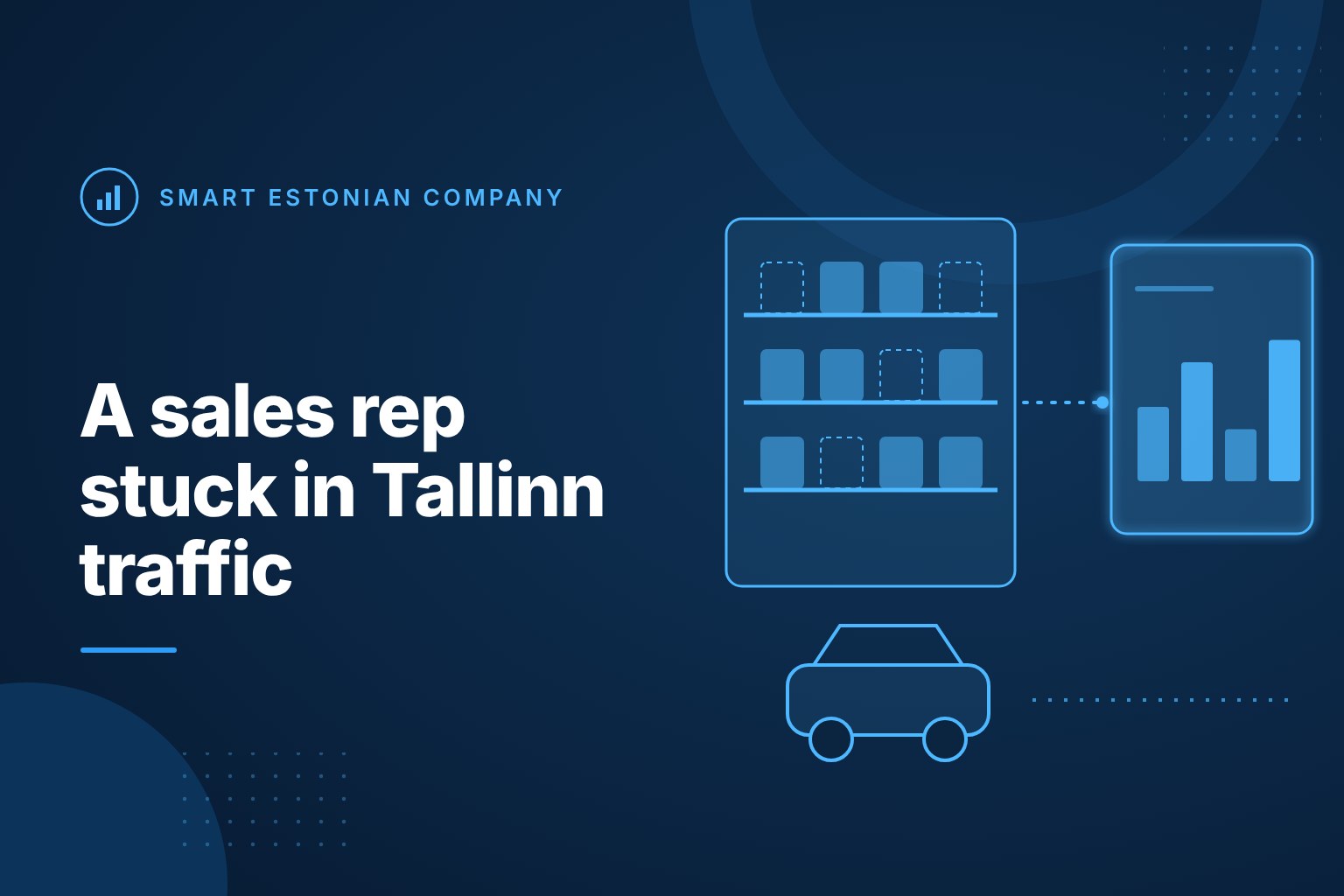
We proposed the Telema Supplier Visibility service, which gives the producer a real-time view of every store’s stock at item level. From the office computer, the producer can see which stores across Estonia have enough goods, where they are running low and where the shelf is already empty. The sales trend is also visible, which helps plan sending more goods to the store before the shelf runs empty.

The answer was already on the market

In the previous articles, manual work was replaced by AI-based solutions. Here the answer was simpler: an existing digital service the company simply didn’t know about.

Sometimes the solution is simpler than AI: making data available, changing a process or a service that is already on the market. When preparing Digitalisation Roadmaps, I often see that a company has no overview of the ready-made solutions the market already offers.

Sound familiar?

In many companies someone does work they have always done. Simply because nobody has asked whether that work needs to be done this way at all.

Kätlin didn’t lose her job. She could finally start working with customers and sales, instead of driving around Estonia to look at shelves.

Think about your own company: who on your team drives, checks or monitors something that one decent data feed could handle?

Olga Luštšik advises companies on business process optimisation, digital transformation and the adoption of artificial intelligence.
Digiwise helps companies find the processes where digitalisation and AI deliver measurable results. If you want to know where your company has similar opportunities, start with a Digitalisation Roadmap.

Topics: inventory management, business processes

This article is part of the series “Smart Estonian Company”: practical stories from Estonian companies on their way to digitalisation.

← Previous: What would your accountant do if they didn’t have to enter invoices?

Next: What happens when your best salesperson gets sick? →

All articles in the series

← Smart Estonian Company · article 3 in the series

What would your accountant do if they didn’t have to enter invoices?

Author: Olga Luštšik

Introducing digital invoice processing completely changed an accountant’s daily work. Solutions mentioned: Telema eFlow, CostPocket, Finbyte, Odoo, Erply, Directo.

What would your accountant do if they didn't have to enter invoices?

This article was first published in Estonian in Äritehnoloogia.

This is an article from the series “Smart Estonian Company”, where I share practical examples of how Estonian companies use AI and digitalisation.

In the previous articles I wrote about entering sales orders and product data. This time I talk about a third task that nobody should have to do by hand anymore: entering invoices into accounting software.

“It’s always been done this way”

When preparing Digitalisation Roadmaps, I have mapped the process of entering purchase and expense invoices in dozens of companies: hotels, manufacturers, service providers. The picture is surprisingly similar.

A purchase invoice arrives by email as a PDF. The accountant prints it out and starts entering: supplier name, invoice number, date, due date, every invoice line separately (product, quantity, unit price, amount, VAT). One invoice can have a dozen lines. There can be dozens of invoices a day.

When I ask why the process works like this, I almost always get the same answer: “It’s always been done this way.” Sometimes the reason is more specific. The manager likes to sign on paper. Invoices have to be kept in a binder for seven years, after all. The accountant feels more confident seeing the invoice in printed form.

But the law changed long ago. A digital invoice is legally equivalent to a paper one, a digital signature is valid, and mandatory retention does not require a physical binder. Habit keeps the process alive, not necessity.

Meanwhile the accountant, whose skills would allow much higher-value work (monitoring and optimising cash flow, managing customer debts), spends a third of the day on data entry.

A solution that already exists on the market

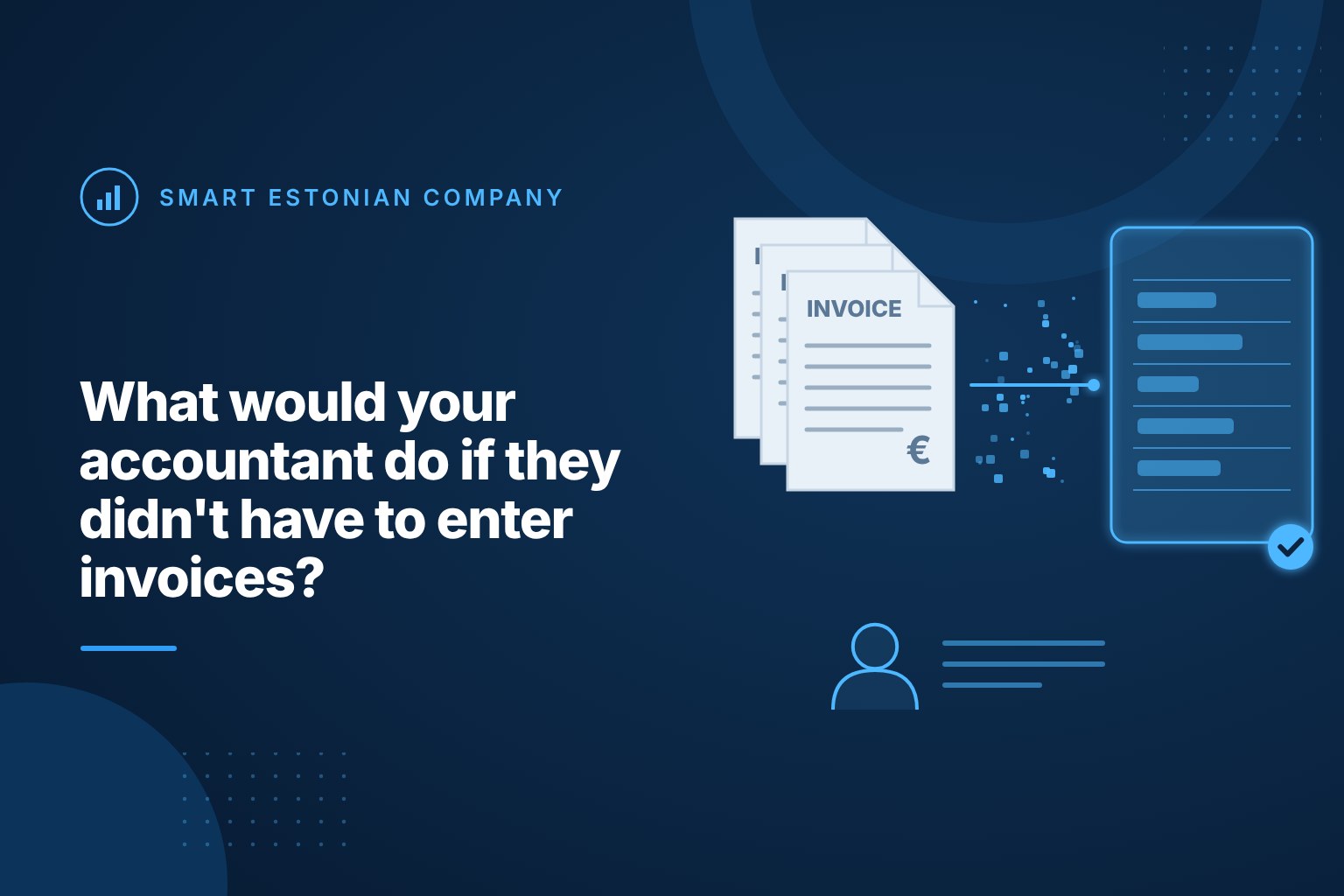
Invoice digitalisation is an area where nothing needs to be developed from scratch. Existing services use AI to read all the key data from a PDF invoice: supplier, amounts, VAT, due date, invoice lines with products and quantities.

In practice it works like this: an invoice that arrives as a PDF is forwarded to a dedicated mailbox, the digitisation service processes it and creates a draft entry. The accountant reviews it, corrects it if needed and confirms it. About 99% of the data is read in automatically. There is practically no manual entry.

Estonia has several solutions that work well: Telema eFlow, CostPocket, Finbyte and others. Some business software, such as Odoo, Erply or Directo, already has invoice digitisation built in.

Sound familiar?

The accountant no longer retypes invoices. Their role changes from data entry to checking. They review whether the system has interpreted the invoice correctly and confirm the entry. Errors are a fraction of what they used to be, invoices get into the system faster, and the accountant can work on what they are actually qualified for.

Invoice digitalisation has been possible for years. And yet I still see companies where the accountant prints out invoices and enters them by hand. The solution exists. It’s just that nobody has looked at this process and asked: why are we still doing it this way?

Think about your own company: does your accountant print out invoices, or has their day already been freed from data entry?

Olga Luštšik advises companies on business process optimisation, digital transformation and the adoption of artificial intelligence.
Digiwise helps companies find the processes where digitalisation and AI deliver measurable results. If you want to know where your company has similar opportunities, start with a Digitalisation Roadmap.

Topics: accounting, automation

This article is part of the series “Smart Estonian Company”: practical stories from Estonian companies on their way to digitalisation.

← Previous: Why does your online store have fewer products than it should?

Next: A sales rep stuck in Tallinn traffic →

All articles in the series

← Smart Estonian Company · article 2 in the series

Why does your online store have fewer products than it should?

Author: Olga Luštšik

AI automated product data entry for an online store. Categorisation, description writing and multilingual translation now happen automatically. Solutions mentioned: PIM, AI-based software module.

Why does your online store have fewer products than it should?

This article was first published in Estonian in Äritehnoloogia.

This is an article from the series “Smart Estonian Company”, where I share practical examples of how local companies use AI and digitalisation.

In the previous article I wrote about entering sales orders, a task that no longer has to be done by hand. This time I talk about another such task: entering product data into the online store and the business software.

“It’s just stupid copy-paste”

This year I advised an Estonian trading company that sells production equipment and supplies through its online store. The range is wide and new products are added all the time. While mapping the processes, I asked the purchasing manager how a new product gets added to the online store.

“The supplier sends the product information. Sometimes in Word, sometimes in PowerPoint, sometimes it’s just on the supplier’s website. I have to find the right paragraphs there and copy them over.”

I asked what takes the most time.

“Categories. The business software has a category tree, and for every product I have to remember exactly where it goes. Then the product descriptions: title, short description, long description, keywords. And because the online store is multilingual, all that text has to go into ChatGPT to do the translations. One product can take an hour.”

I asked whether all new products make it into the online store.

“Honestly, no. With some products I’ve just given up. The workload is so big that I decide myself that maybe customers wouldn’t buy that product anyway. But actually I don’t know that.”

That detail stuck with me. The decision was not based on business analysis. It was made because there was not enough time for manual entry.

How AI took over product data entry

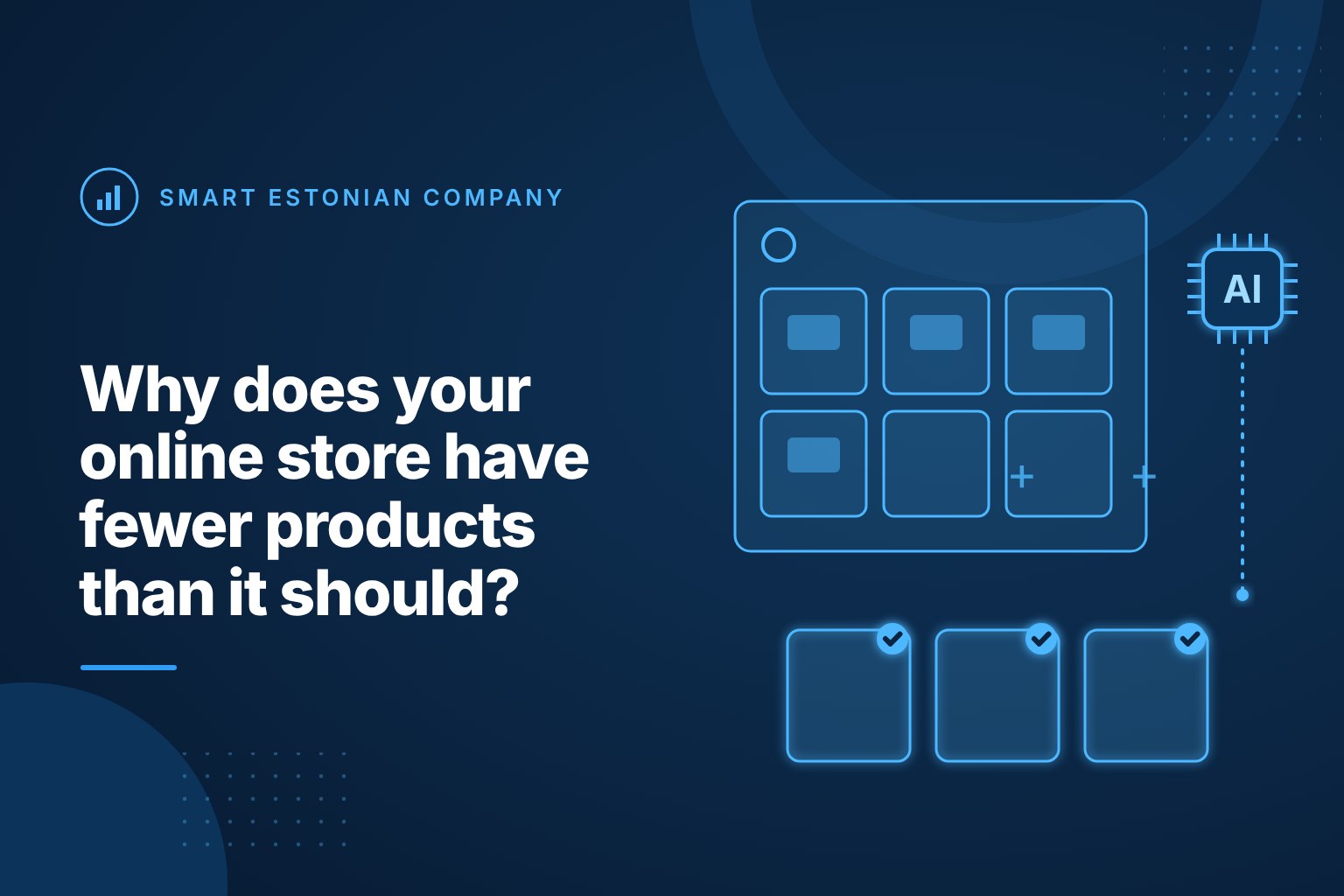
I recommended an AI-based software module that is available on the Estonian market as off-the-shelf software. The module extracts product information from the supplier’s materials, whether the source is a PDF, a Word file or a web page. The AI assigns the product the right categories and product information database (PIM) classifiers, writes the product description (title, short and long description, and SEO keywords) and translates all the content into every language needed.

The purchasing manager reviews the result and confirms it. Their role changed from data entry to quality control. They check whether the AI has categorised the product correctly and written a sensible description. But they no longer copy or translate anything themselves.

Sound familiar?

The quality of product information improved. AI categorises more consistently than a person, because a machine does not make different choices depending on whether it is Monday morning or Friday evening. New products reach the online store in hours, not days. And the products the purchasing manager used to give up on are now live in the store and have a chance to sell.

When preparing Digitalisation Roadmaps, I see this pattern again and again. Think about your own company: how many new products, prices or supplier details are missing from your systems simply because nobody had time to type them in by hand?

Olga Luštšik advises companies on business process optimisation, digital transformation and the adoption of artificial intelligence.
Digiwise helps companies find the processes where digitalisation and AI deliver measurable results. If you want to know where your company has similar opportunities, start with a Digitalisation Roadmap.

Topics: e-commerce, automation, AI

This article is part of the series “Smart Estonian Company”: practical stories from Estonian companies on their way to digitalisation.

← Previous: Who enters your sales orders?

Next: What would your accountant do if they didn’t have to enter invoices? →

All articles in the series

← Smart Estonian Company · article 1 in the series

Who enters your sales orders?

Author: Olga Luštšik

An AI-based solution automated sales order processing at a wholesale company. PDFs, Excel files and free text arriving by email are now automatically turned into sales orders in the business software. Solutions mentioned: EDI, PIM, AI-based software module.

Who enters your sales orders?

This article was first published in Estonian in Äritehnoloogia.

This is the first article in the series “Smart Estonian Company”, where I share practical examples of how local companies use AI and digitalisation.

“Robots will take our jobs!” “AI is killing jobs!” “One in three jobs will disappear within ten years!” You see headlines like these every day, and most of them are exaggerated. But not all of them. Some jobs really are disappearing. Not in the future, but now, and I see it at my clients every day.

In this article I talk about one such task that is already disappearing: entering sales orders.

A hundred lines, a ruler and the hope that nobody interrupts

Last year I advised a wholesale company with fifty employees. While mapping the sales process, I asked a sales specialist how new orders reach the company.

“About 40% come through EDI. Those go into the system automatically. But 60% come by email. PDFs, Excel files, sometimes just free text.”

I asked how easy they are to process.

“Easy? Some orders have a hundred lines. Every line has to be copied into the business software by hand. And customers use their own names, not our item codes. For every product I have to look up what matches it in our catalogue.”

I asked what happens if someone interrupts.

“Then you’re in trouble. I take a ruler and start checking which line I stopped at. And it still happens that a line gets skipped or goes in wrong. Then the customer calls because they got the wrong goods. Credit note, return, new shipment. All because I copied one number wrong.”

I know this picture from dozens of companies. A person whose real job is sales spends half the day moving numbers from one place to another. Ruler in hand, so as not to lose a line.

How AI took over sales orders

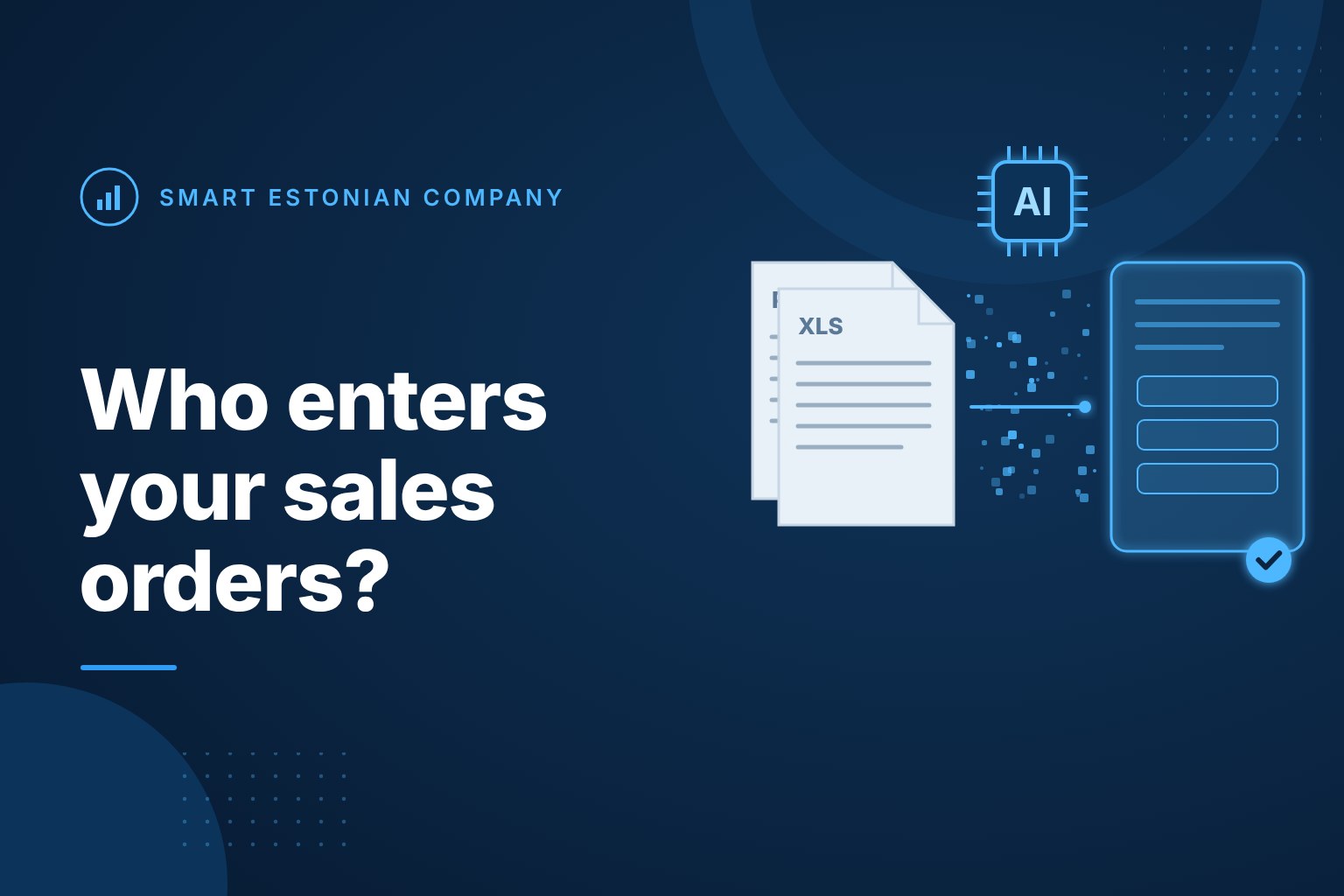
I recommended an AI-based software module that is available on the Estonian market as off-the-shelf software. Nothing had to be developed from scratch. The module reads the products, quantities and customer details from the email attachment, whether it is a PDF, Excel or free text.

The hardest step is translating the customer’s product names into the company’s item codes. When a customer writes “M6x20 DIN 933 zinc” in an order, the system has to find which item in the company’s catalogue matches it. This is exactly where the sales specialist used to follow lines with a ruler. Now it happens automatically, based on the product information database (PIM).

The AI creates the sales order and enters it into the business software. The sales specialist reviews and confirms it. They no longer type anything themselves, but the decisions are still theirs. Errors are a fraction of what they used to be, the customer gets a confirmation faster, and the sales specialist now actually works on sales.

Sound familiar?

Retyping data has never been anyone’s dream job, but in many companies someone still does it today, with orders, invoices, product sheets or customer data. When preparing Digitalisation Roadmaps, I see this pattern again and again: a qualified person spends half a day on work that an off-the-shelf solution would do in minutes.

Think about your own company: who on your team is retyping data instead of doing their actual job?

Olga Luštšik advises companies on business process optimisation, digital transformation and the adoption of artificial intelligence.
Digiwise helps companies find the processes where digitalisation and AI deliver measurable results. If you want to know where your company has similar opportunities, start with a Digitalisation Roadmap.

Topics: sales orders, automation, AI

This article is part of the series “Smart Estonian Company”: practical stories from Estonian companies on their way to digitalisation.

Next: Why does your online store have fewer products than it should? →

All articles in the series